
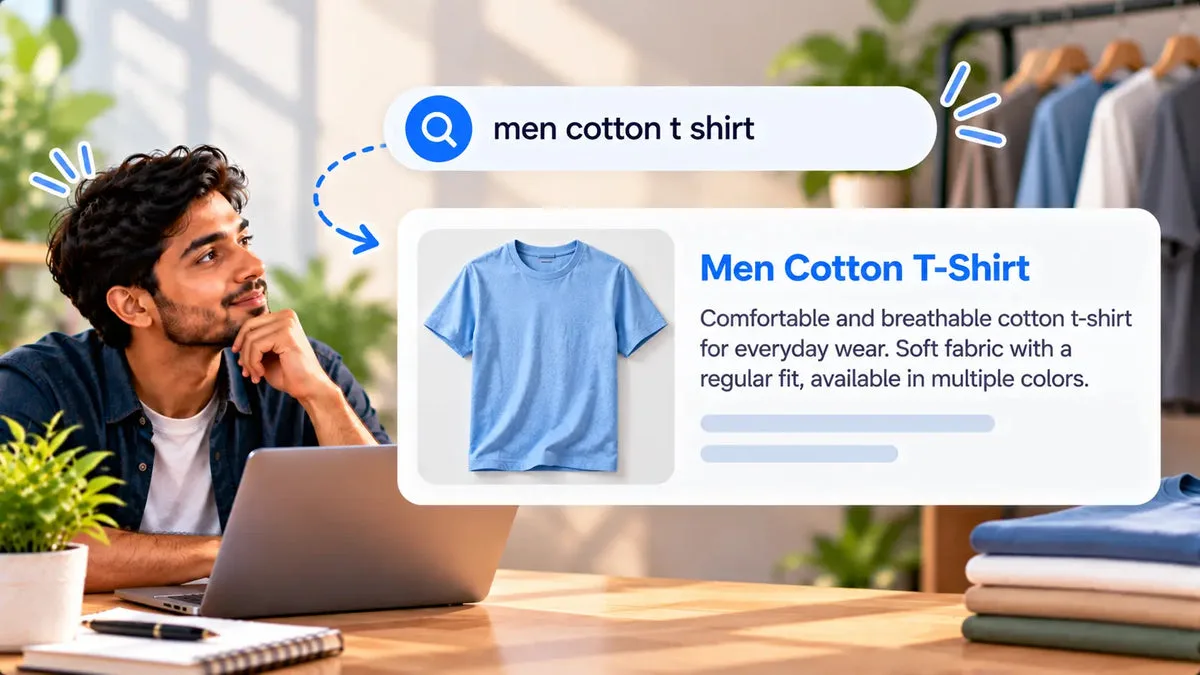
A Shopify product SEO title and meta description are the search snippet fields, separate from the product title shoppers see on the page. If those fields are empty, the snippet often falls back to a long product title and a chopped description. Squadexa AI drafts an SEO page title and a meta description on every generation, including the free plan. You still read them and publish them yourself. Drafting the fields is not a ranking promise.
The values belong in Shopify’s own SEO title and meta description for that product. The app can push those fields after you accept them. Free, at $0, includes both outputs as part of single-product generation. You do not need a paid plan to draft one product’s search title and meta description. You do need a person to check that the sentences match the product.
What the SEO title has to do
The product title on the page can be long, specific, and useful in a collection grid. The SEO title is the line a search result may show. It should still say what the product is. A title that repeats the full variant string, the brand, and a slogan often truncates. Write a shorter line that keeps the product type and the one detail a searcher uses to tell it apart, such as the material or the size.
Squadexa calls this field a meta title in the generation result and an SEO title in the edit view. Treat them as the same job: the search title for the product. The catalog does not document a character limit, so this article will not invent one. An example shape is “Linen table runner, 90 inches,” which you replace with your real product.
- Name the product type: a searcher who does not know your brand still needs the noun.
- Keep one distinguisher: material, size, or the use, not all three if the line becomes a paragraph.
- Leave the slogan off this field: the page title and the description can carry tone.
What the meta description has to do
The meta description is the supporting sentence under that title in a search result. It should repeat a true spec and say who the product is for, in plain language. It is not a second copy of the product title. Merchants whose snippets look like a truncated title usually have no meta description, or they have pasted the title into that box as well.
Write one or two sentences a person can finish. Include a fact from the product, such as the fiber or the volume. The words you supplied can show up in the sentence. That is not a check against your spec sheet. For background on how site structure relates to search, see How website development affects SEO. That article is not a tutorial for this product field.
Free includes both outputs
Single-product generation asks for a product name and primary keywords. The result stores a meta title, a description, a meta description, key features, and keyword tags. The Squadexa page lists SEO title and meta output on the free plan, along with single-product generation. Basic at $9 a month and Pro at $49 a month add CSV volume. They are not required to obtain these two fields for one product.
Enter keywords you would actually want in the snippet: the product type, the material, and the buyer. If you leave the keywords empty of specs, the SEO title and the meta description will be vague. Edit both fields in the product record before you publish. The edit view includes the SEO title and the SEO description as their own inputs, next to the rich-text body, so you can change the snippet without rewriting the whole description.
- Meta title: product type plus one distinguishing fact.
- Meta description: one true spec and who it is for.
- Body description: the longer facts, care, and use. It can differ from the snippet.
- Tags: catalog labels. They are not a substitute for the meta description.
Publish the fields, or export them on Pro
Shopify is where the snippet fields have to end up. From the regeneration comparison, a single-field push can send the meta title or the meta description on its own. Use that when the body description is already correct and only the search text is weak. A fuller product update can send title, description, tags, SEO fields, and status together, and it can update the variant price afterward. If you only meant to fix the snippet, use the single-field action.
Save for later keeps your edits in the app and does not write to Shopify. That is the right stop when someone else should read the meta description before it is public.
On Pro, a CSV download maps generated products to Shopify’s product-import format, including SEO fields, handle, body HTML, and variant price. Download is a Pro feature, at $49 a month, on top of a CSV generation job of up to 50 products. Basic generates up to 10 products in a CSV job and does not add that download in the catalog statement used here. Free does not run the CSV job. For one product, publish from the app after you read the two fields. You do not need the import file.
What this article will not promise
A filled SEO title and meta description give you a snippet you chose. They do not guarantee a ranking, a rich result, or a click rate. The catalog does not provide a character cap, a word cap, or a search volume, and it does not include an Enterprise tier.
Sidekick in the Shopify admin can draft a product description on desktop. The Shopify Help steps for that tool document the description field. They do not, in the page used for this campaign, document the SEO title and meta description. If your only gap is the body description on one product, you can stay in the admin. Use Squadexa when you want the search title and the meta description drafted as part of the same generation, and when you will read them before they go live.
Questions about product SEO titles
How many characters should the title be?
The Squadexa catalog does not state a character count. Write a title that names the product and still looks intact when you read it in the field. Cut brand slogans before you cut the product type.
Does the app set the Shopify SEO fields?
It can. A generation stores the SEO title and meta description on the app record. They reach Shopify when you publish them, either as a single-field update or as part of a fuller product update. Saving for later does not publish them.
Does Free include the meta description?
Yes. Free is single-generation only, and each generation includes the SEO title and the meta description. CSV bulk is a paid plan. The free outputs still need a human edit.
Draft the SEO title and the meta description, read them against the real product, and publish those fields when they are accurate. You can start from the Squadexa AI listing, including on the free plan.